
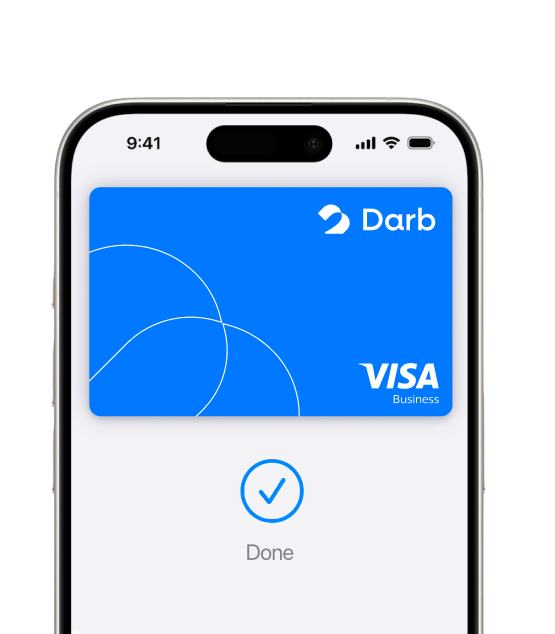
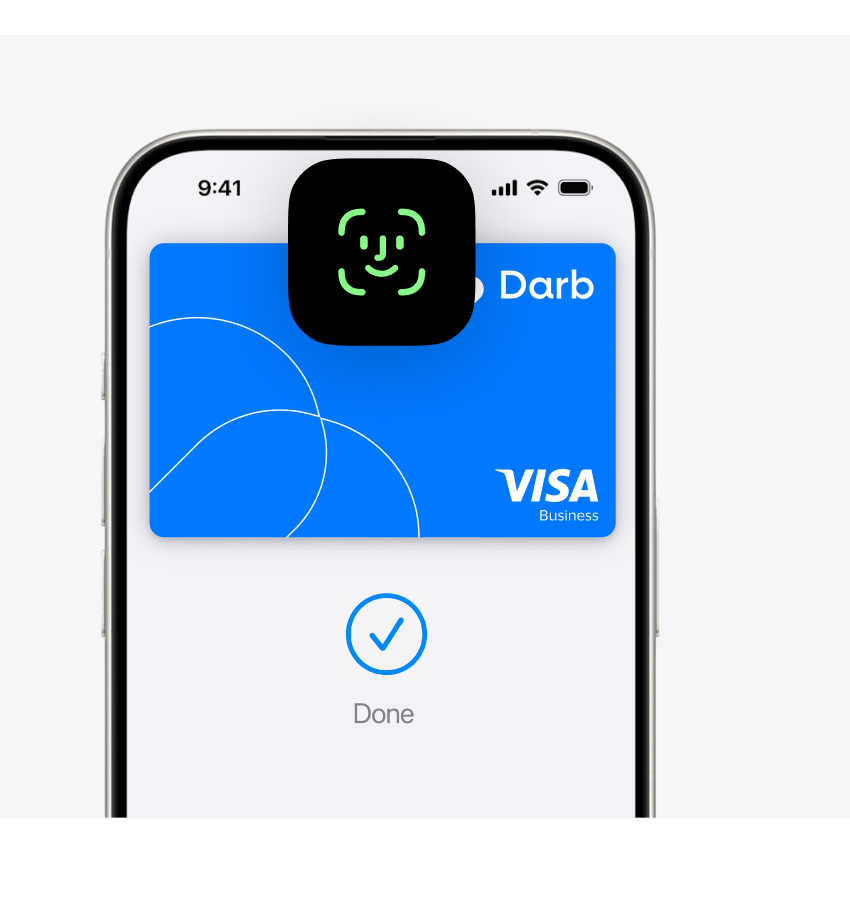
Your iPhone is now your Darb card.

    Apple Pay is an easy, secure, and private way to use your Darb card on your Apple devices.

    Add your eligible Darb card to Apple Wallet and use Apple Pay for approved business expenses. Your company card controls, merchant restrictions, spending limits, and reporting continue to apply.

    [Insert Apple-approved iPhone / Apple Watch asset with Darb card art here]

    DARB
    •••• 1234VISA

    Darb card art placeholder — no cardholder name, no expiry, no chip · •••• 1234

    Pay with your Darb card. The Apple way.

    Easy to use

    Use your Darb card with Apple Pay in person, online, and in apps where Apple Pay is accepted.

    Designed to be secure

    Apple Pay uses security features built into your Apple device, including Face ID, Touch ID, or your passcode.

    Darb controls still apply

    Your company’s Darb card controls, spending limits, merchant restrictions, and reporting continue to work as usual.

    How to add your Darb card to Apple Wallet

    Open Apple Wallet on your iPhone or Apple Watch and follow the steps to add your eligible Darb card. You may also be able to add your card directly from the Darb app.

    1. 1Open Apple Wallet on your iPhone.
    2. 2Tap the + button.
    3. 3Follow the steps to add your eligible Darb card.
    4. 4Complete any verification required by Darb.
    5. 5Start using Apple Pay once your card is ready.

    [Insert Apple-approved iPhone / Apple Watch asset with Darb card art here]

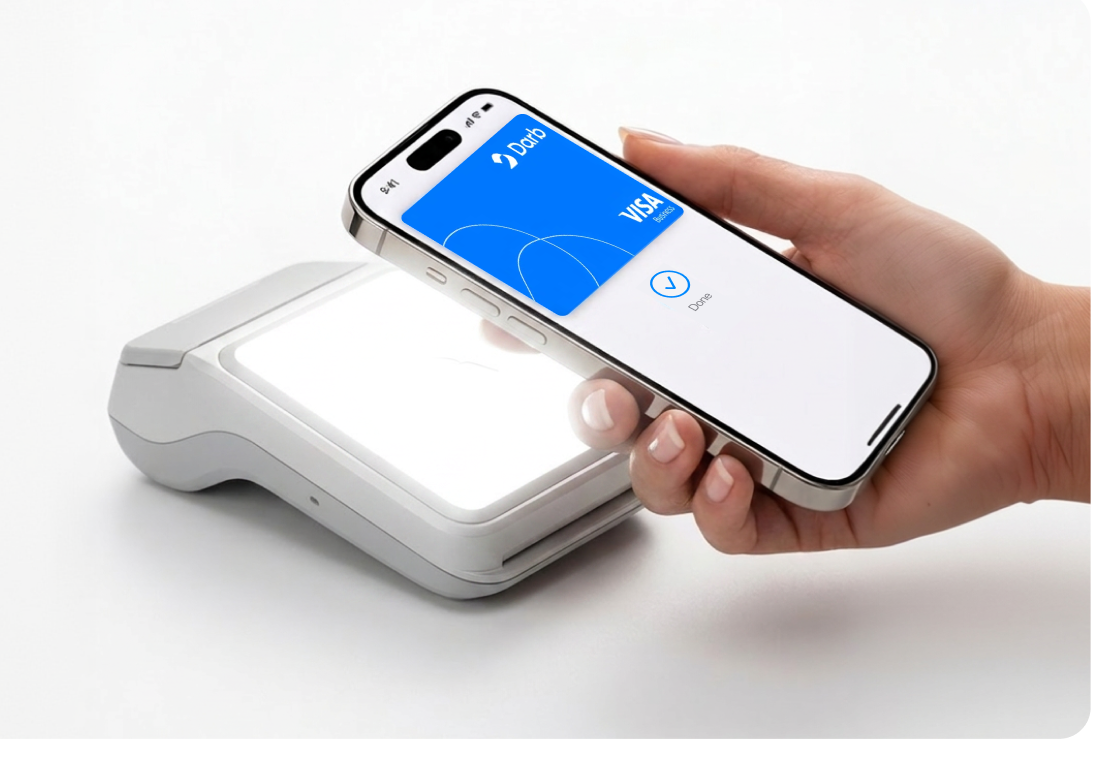
    [Insert Apple-approved “Done” screen / Apple Pay approved hardware asset here]

    How to pay with Apple Pay

    To pay in person, double-click the side button on your iPhone, authenticate with Face ID, Touch ID, or your passcode, and hold your device near the reader.

    You can also use Apple Pay online or in apps wherever Apple Pay is available at checkout.

    Use it wherever Apple Pay is accepted

    You can use your Darb card with Apple Pay wherever Apple Pay is accepted, subject to your company’s Darb card controls, merchant restrictions, spending limits, available balance, and applicable card eligibility.

    [Insert official Apple Pay mark from the Apple toolkit here]

    Designed to be secure and private

    Apple Pay uses the privacy and security features built into your Apple device. Every payment requires Face ID, Touch ID, or your passcode.

    When you use Apple Pay, your Darb card number is not stored on your device or on Apple servers, and it is not shared by Apple with merchants.

    Frequently asked questions

    Apple Pay is an easy, secure, and private way to pay using your Apple devices. Eligible Darb cardholders can add their Darb card to Apple Wallet and use Apple Pay wherever Apple Pay is accepted, subject to Darb card controls and eligibility.

    Terms apply.

    To use Apple Pay you need a supported card from a participating card issuer. To check if your card is compatible with Apple Pay, contact your card issuer.

    Features are subject to change. Some features, applications, and services may not be available in all regions or all languages and may require specific hardware and software.

    Use of Darb cards with Apple Pay is subject to Darb’s Terms and Conditions, Privacy Policy, card eligibility, company controls, spending limits, merchant acceptance, payment network rules, and applicable law.

    Terms and Conditions · Privacy Policy