 Darb
DarbHow to Upload a Receipt After a Transaction
Learn how receipt upload works after a card transaction so finance can review complete spending records.
This article explains how receipt upload works after a card transaction is made.
Overview
After an employee makes a transaction, Darb may request a receipt upload to keep the transaction record complete and easy for the finance team to review.
How It Works
- The employee makes a transaction.
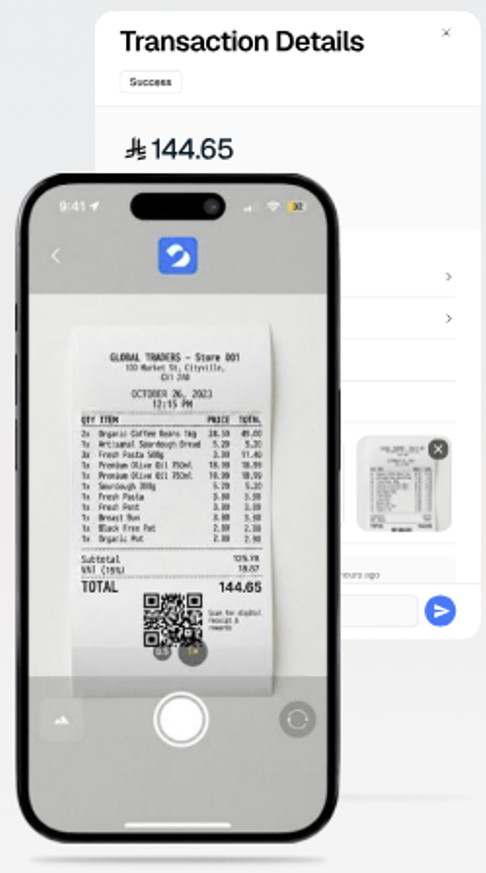
- Darb prompts the employee to upload a receipt.
- The employee takes a photo of the receipt through the app.
- Darb matches the receipt to the transaction.
- The finance team can view the completed transaction record.
Tips
- Make sure the receipt photo is clear and readable.
- Capture the full receipt, including amount, merchant name, and date.
- Upload the receipt as soon as possible after the transaction.
Important Notes
- Receipt upload helps keep spending records complete.
- Missing receipts may affect internal expense review.
- The receipt should match the transaction amount and merchant details.