 Darb
DarbHow to Manage Alerts
View, filter, and manage alerts in Darb.
Alerts track suspicious or fraudulent activities and monitor employee behavior on cards. They include High Fuel Consumption, Invalid Odometer, Fraud Risk, Missing Fuel Pump Photo, and Missing Receipt.
Access Alerts
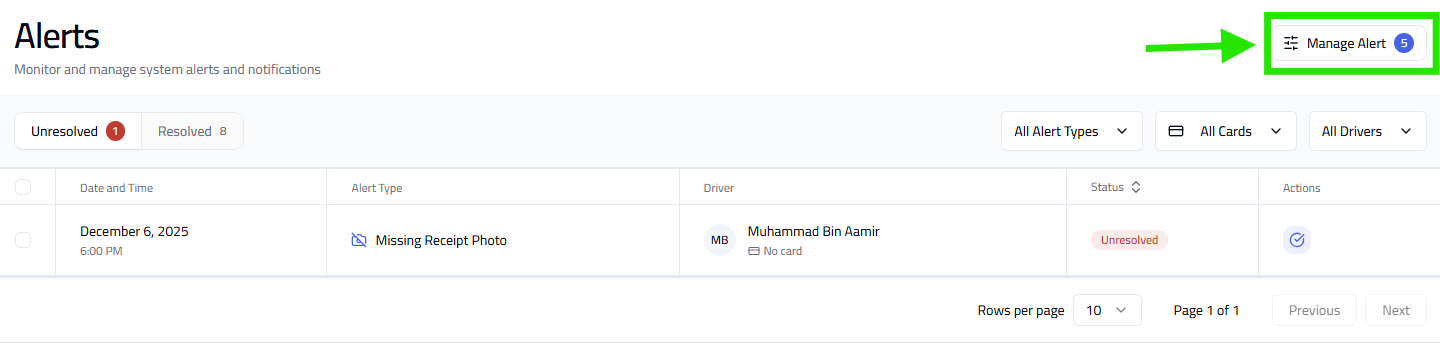
Go to Alert. View alerts under Unresolved or Resolved.
Filter Alerts
- Alert Type
- Cards (specific card or all)
- Drivers (specific driver or all)

Manage Alert Settings
- Click Manage Alert.
- Enable or disable Fraud Risk, Invalid Odometer, High Fuel Consumption, Missing Fuel Pump Photo, and Missing Receipt alerts.
Tip: Regularly check Unresolved alerts to avoid misuse. Some alerts require driver action (e.g., uploading receipts or correcting odometer readings).