 Darb
DarbHow to Create a Fleet Card Policy
Create a policy to control how fleet cards are used.
Note: Policies apply only to Fleet Cards. Travel & Expense card controls are configured directly from the Card section.
- Go to Policy and click + Add Policy.
- Enter the Policy Name and Description.
- Configure the required settings.
- Click Save Policy.
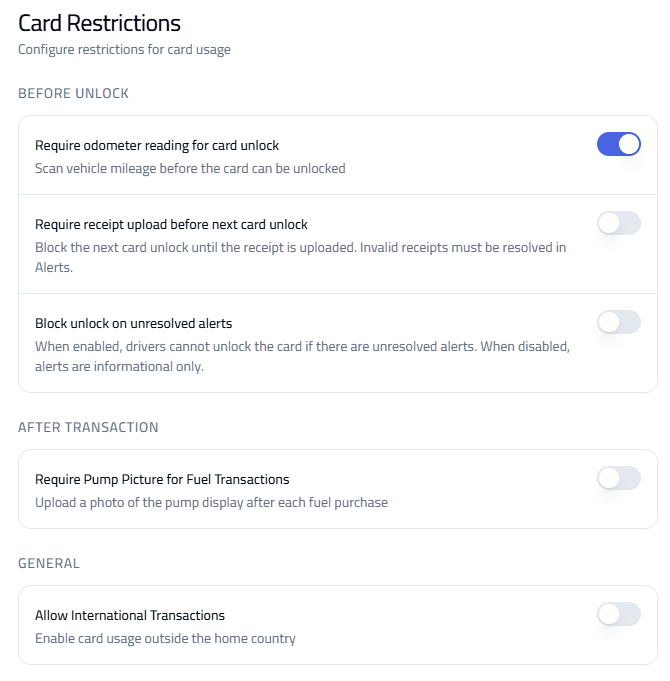
Card Restrictions
- Require odometer reading before unlock.
- Require receipt upload — blocks usage until receipts are uploaded.
- Block usage on unresolved alerts.
- Require pump photo after fuel transactions.
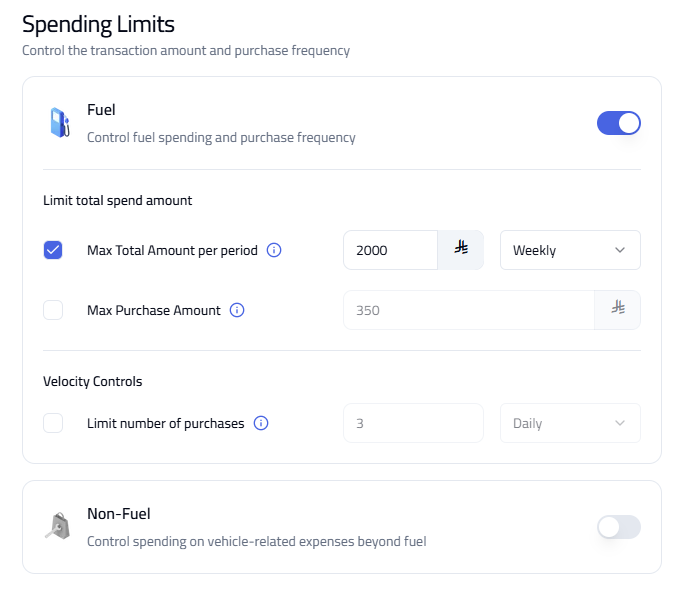
Spending Limits
- Maximum total spend (daily, weekly, etc.).
- Maximum amount per transaction.
- Number of transactions allowed.
- Apply controls for fuel and (optionally) non-fuel transactions.
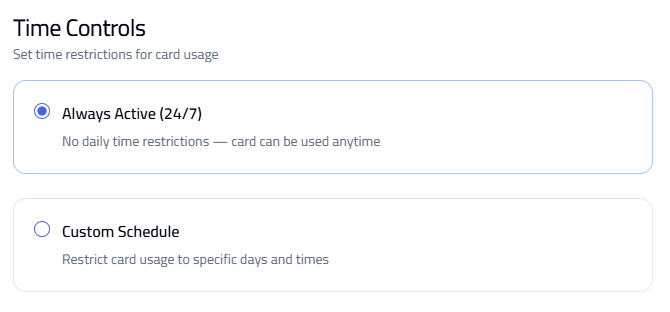
Time Controls
- Always Active (24/7).
- Custom Schedule — restrict usage to specific days and times.
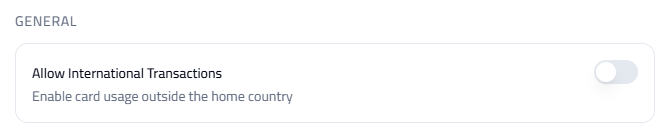
General Settings
Allow International Transactions — enable or disable usage outside the country.
Tip: The policy is applied to the vehicle, not the card. Review and update policies regularly based on usage.