 Darb
DarbHow to Download Transaction Reports
Generate and download transaction reports.
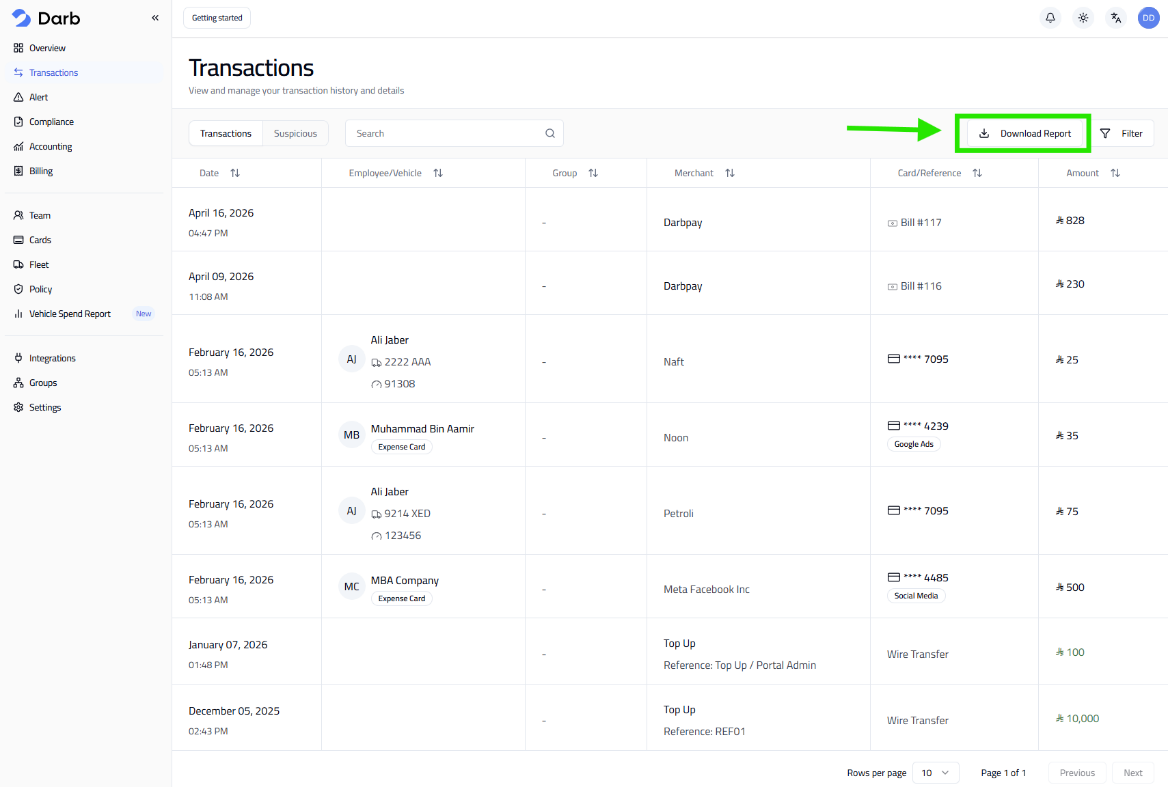
- Go to Transactions.
- Click Download Report.
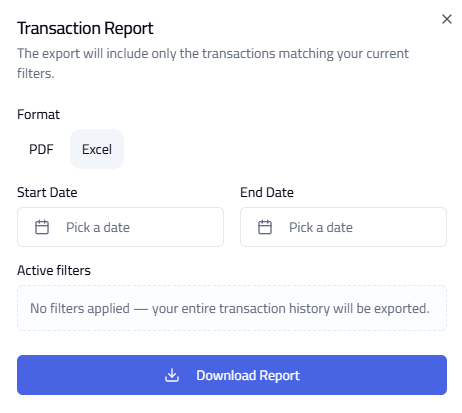
- Select the preferred format: PDF or Excel.
- Choose the Start Date and End Date.
- Click Download Report.
- PDF — best for sharing and viewing.
- Excel — best for analysis and reporting.
Tip: Use Excel for filtering and deeper analysis. Double-check the date range to avoid missing transactions.