 Darb
DarbHow to Use the Vehicle Spend Report
View and analyze fuel spending and vehicle performance.
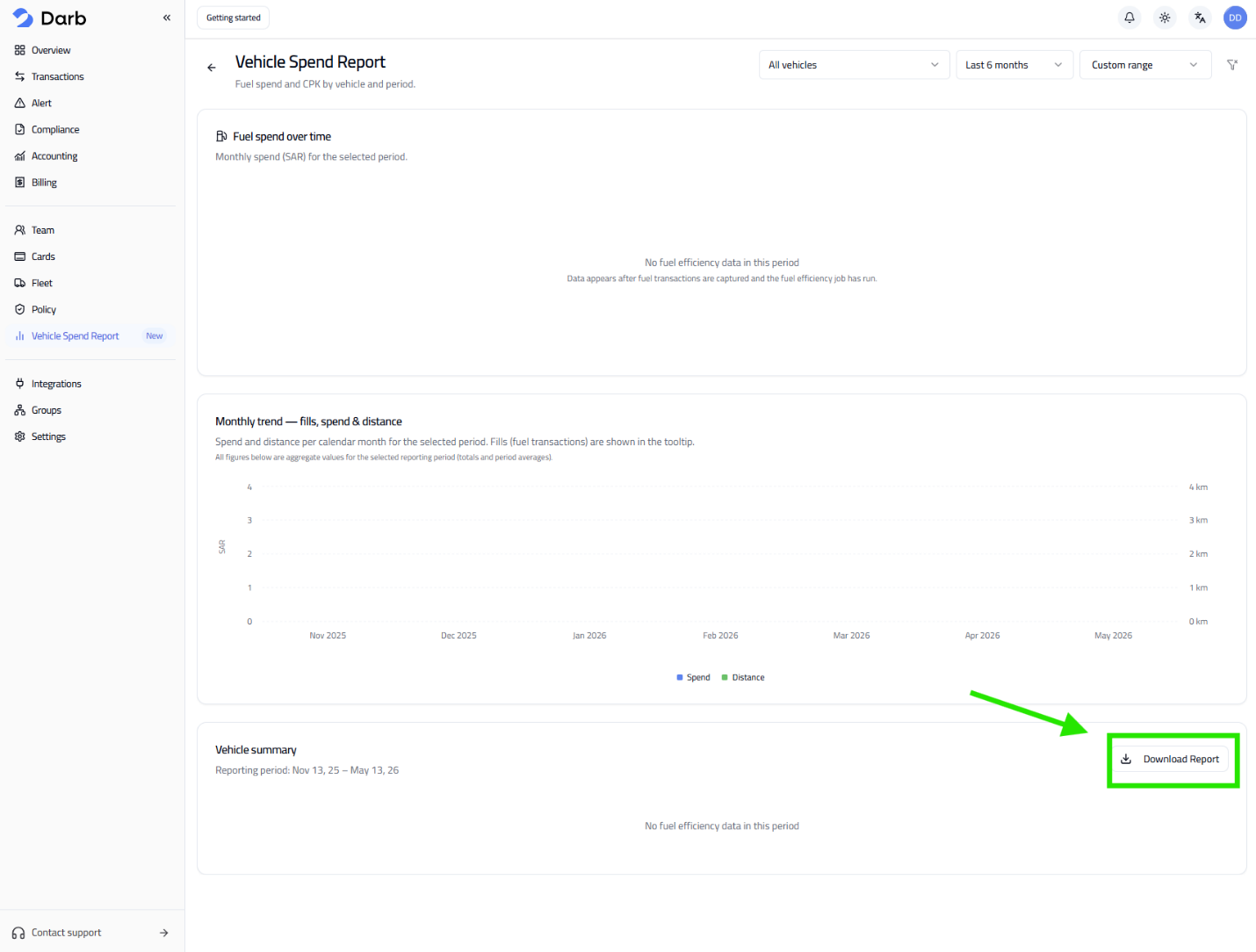
Access the Report
- Go to Vehicle Spend Report.
- Use the filters at the top to customize your view.
Available Filters
- Vehicles — a specific vehicle or All vehicles.
- Date Range — Last 7/30 days, 3/6/12 months, or Custom.
- Custom Range — pick From and To dates, then click Apply.

What You Can See
- Fuel Spend Over Time — total fuel spending for the selected period.
- Monthly Trend — fuel spend, distance traveled, and number of fuel transactions.
- Vehicle Summary — performance overview for the selected vehicles and time period.
Download the Report
Click Download Report — the export will include data matching your selected filters.
Tip: Monitor trends regularly to control fuel costs. Review individual vehicles to identify unusual spending.