 Darb
DarbHow to Invite Cardholders to Darb
Invite cardholders one at a time, or add users in bulk.
Steps to Invite a Cardholder
- Go to Team.
- Click + Add Team Members.

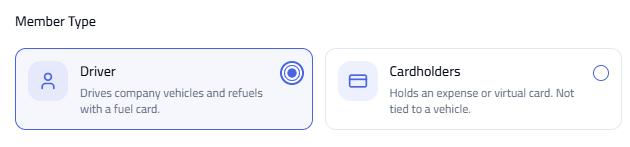
- Select the user type: Cardholders (for Travel & Expense cards) or Drivers (for Fleet cards).
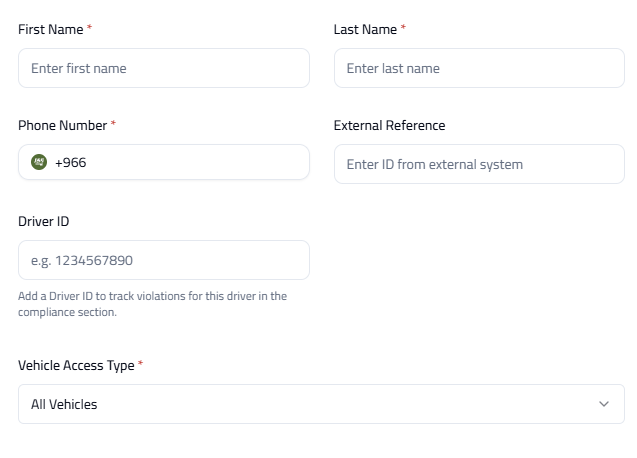
- Enter the required details.
- Click Save Employee.

What Happens Next?
The user will receive an SMS with a link to access Darb. They can also download the app from the Apple App Store or Google Play Store.

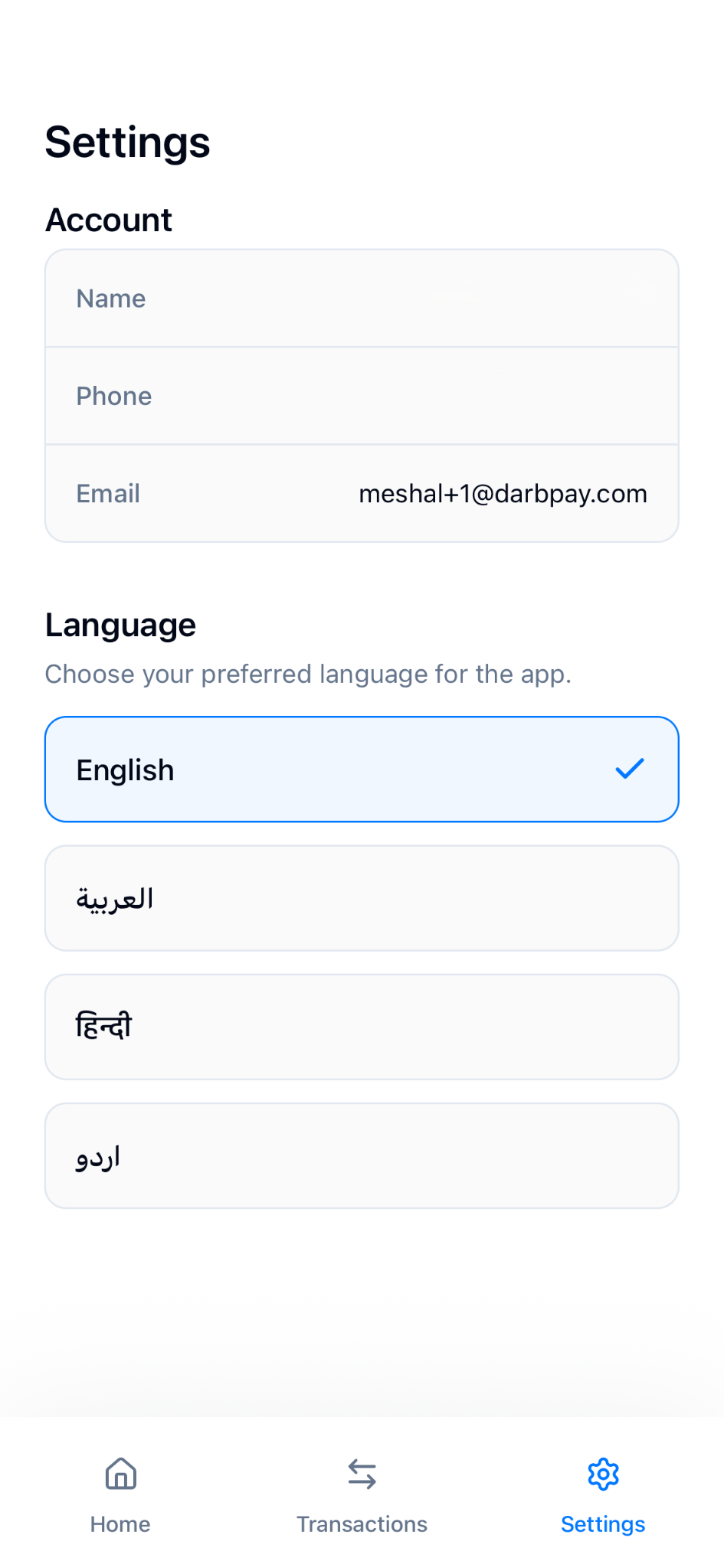
What Cardholders Can See in the App
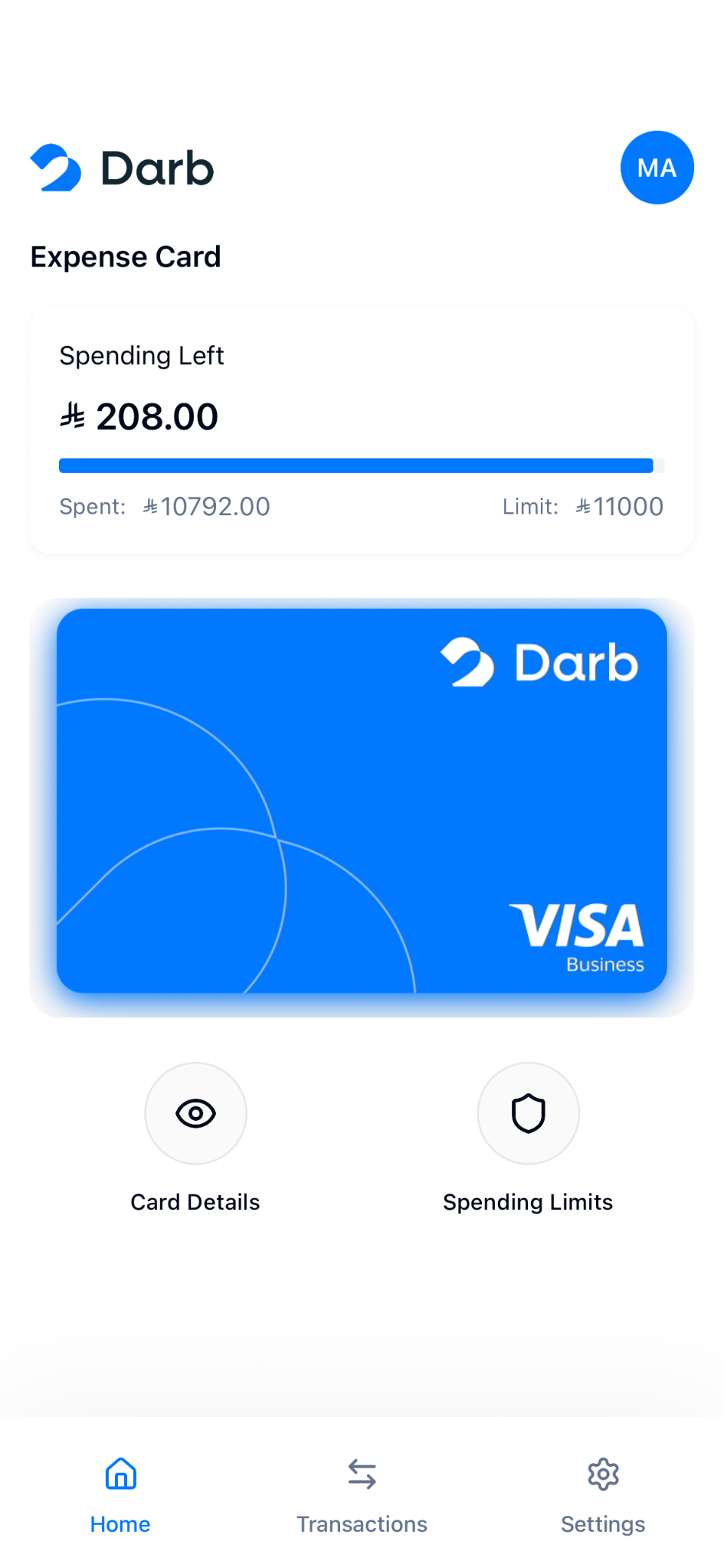
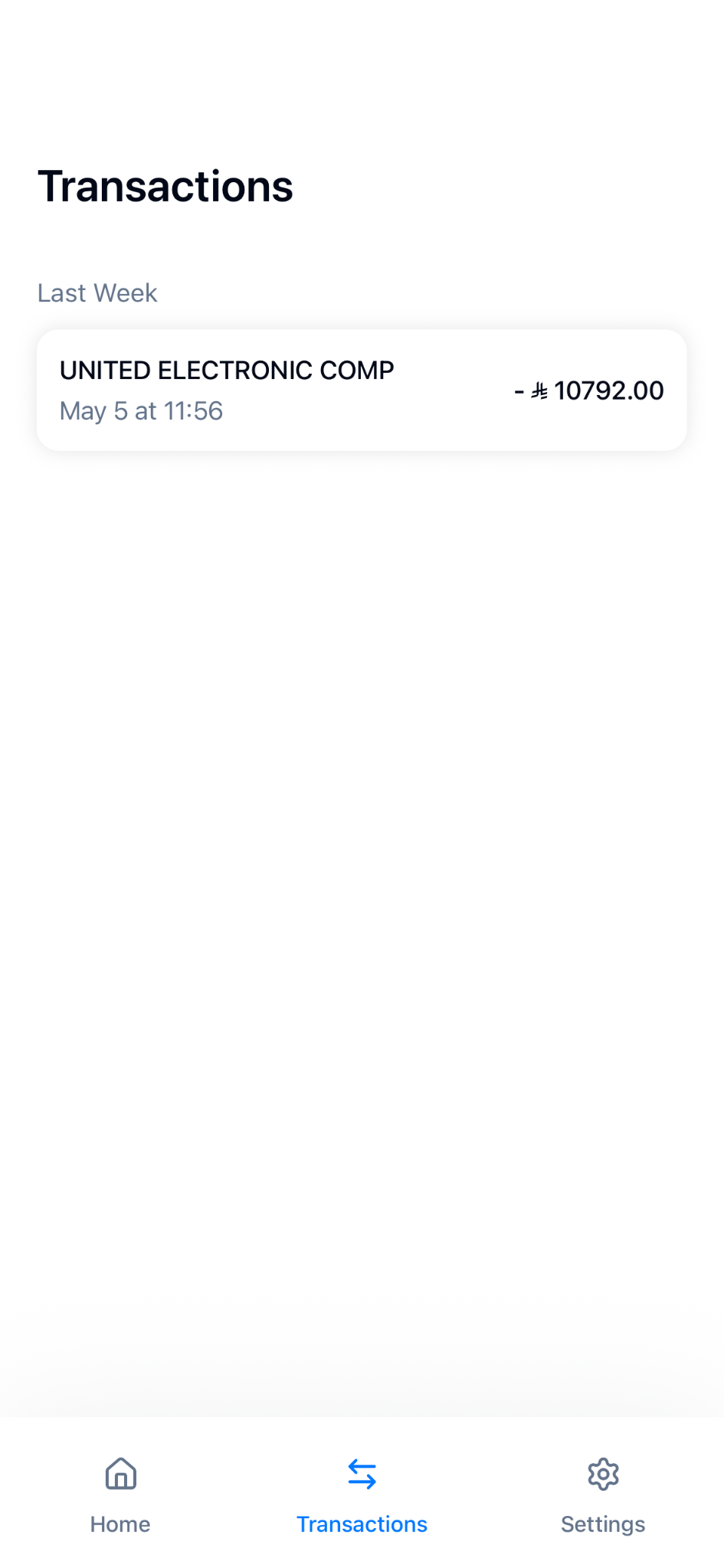
Once logged in, cardholders will be able to:
- View their card details
- Check their assigned spending limit
- Track their transactions
- Access their account information
How to Bulk Upload Users
You can also upload multiple users at once by following these steps:
- Go to Team.
- Click Bulk Upload.

- Choose the Template Type.
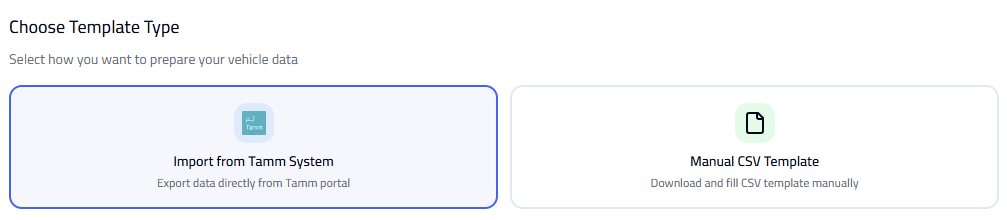
- Fill in the required details in the template.
- Upload the file to complete the process.
Tip: Make sure all user details are correct before uploading. Use the correct template type to avoid upload errors.