 Darb
DarbHow to Edit Driver Information
View driver details, manage assigned vehicles, and review driver activity.
Access the Driver Profile
- Go to Team and select the Driver section.
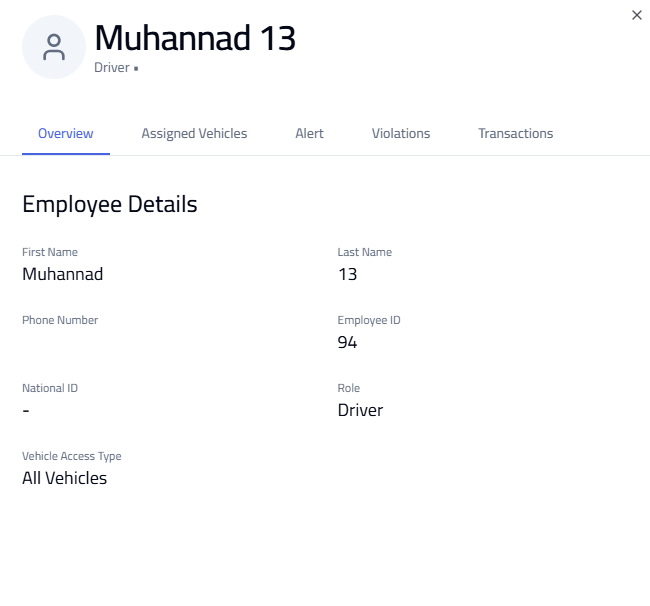
- Click on the required Driver — a profile window opens.
Driver Profile Sections
- Overview — basic driver information
- Assigned Vehicles — all vehicles linked to the driver
- Alerts — flagged or potentially fraudulent activity
- Violations — traffic violations linked to the driver
- Transactions — all transactions made by the driver
Edit Driver Information
- Click Edit at the bottom of the profile.
- Update the required details (driver information or Vehicle Access Type).
- Click Save.
Tip: Regularly review alerts and violations to stay updated on driver activity.