 Darb
DarbHow to Edit Cardholder Information
Update cardholder details, view assigned cards, or remove a cardholder.
Edit Cardholder Information
- Go to Team and select the Cardholder section.
- Click on the required user.
- Click Edit User at the bottom of the pop-out screen.
- Update the needed details (Name, Email, or Phone Number).
- Click Save.

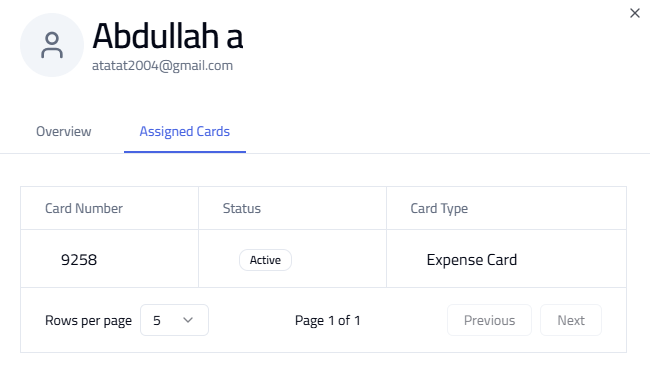
View Assigned Cards
Open the user profile from the Cardholder section to view all assigned cards.
Delete a Cardholder
Open the user profile and click Delete next to the Edit User button. Deleting a user may impact their access to cards and transactions.
