 Darb
DarbHow to Add Your Darb Card to Apple Wallet
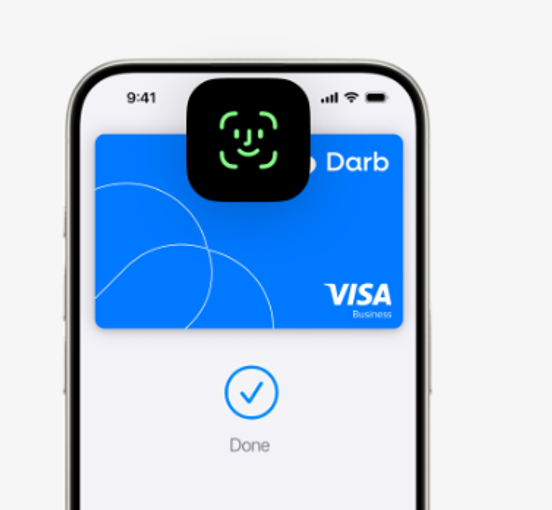
Add an eligible Darb card to Apple Wallet and start using Apple Pay.
Open Apple Wallet on your iPhone or Apple Watch and follow the steps to add your eligible Darb card. You may also be able to add your card directly from the Darb app.
- Open Apple Wallet on your iPhone.
- Tap the + button.
- Follow the steps to add your eligible Darb card.
- Complete any verification required by Darb.
- Start using Apple Pay once your card is ready.