 Darb
DarbHow to Freeze or Cancel a Card
Temporarily freeze a card or permanently cancel it.
Freeze a Card
- Go to Cards and select the required card.
- Toggle Freeze Card to ON.
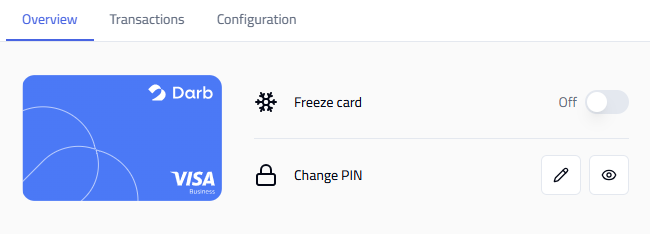
Freezing temporarily blocks all transactions. Unfreeze any time by toggling back OFF.
Cancel a Card
- Go to Cards and select the required card.
- Click Cancel Subscription at the bottom of the card screen.
Note: Cancelling a card permanently deactivates it. This action cannot be reversed — use Freeze for temporary situations.