 Darb
DarbHow to Configure Fleet Card Alerts
Set up alerts for high fuel consumption or invalid odometer readings.
- Go to Cards and select the required fleet card.
- Open the Configuration tab.
- Select the alerts you want to enable.
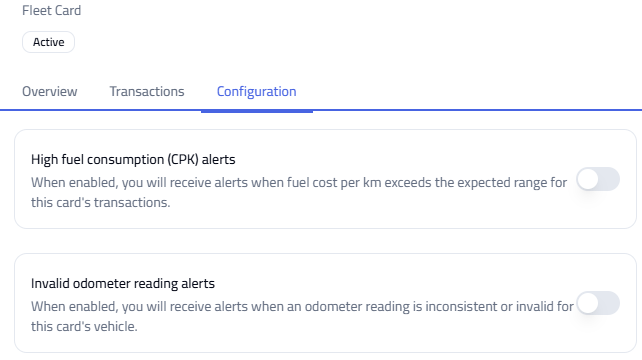
Available Alerts
- High Fuel Consumption — notifies you when fuel usage exceeds expected limits.
- Invalid Odometer Reading — flags incorrect or suspicious odometer entries.