 Darb
DarbHow to Change Card Policy
Update policy settings for a specific card.
- Go to Cards and select the required card.
- Open the Card Policy section.
- Update the required settings and click Save.
What You Can Update
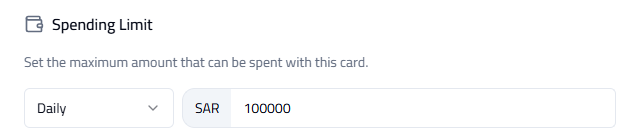
- Card Limit — set daily, weekly, monthly, or one-time spending limits.
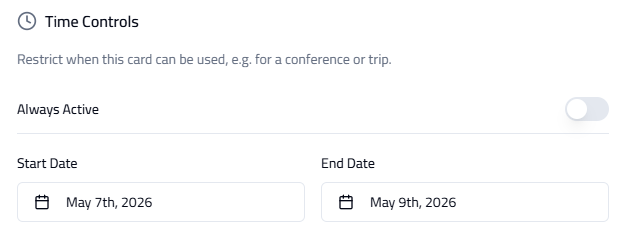
- Time Control — restrict the times when the card can be used.
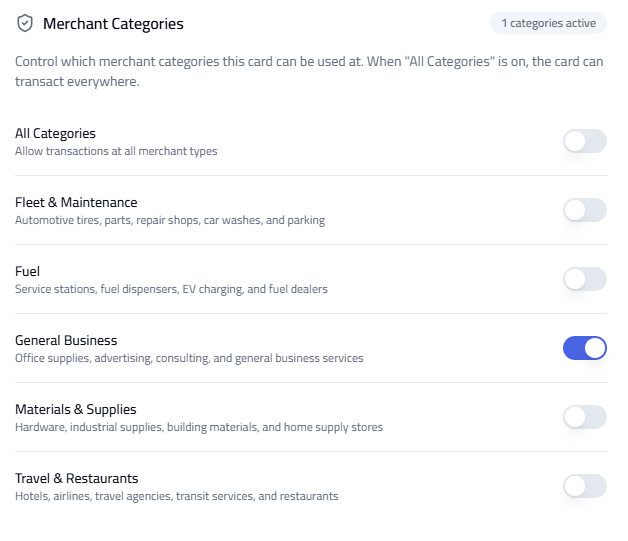
- Merchant Categories — allow all categories or restrict to Fleet & Maintenance, Fuel, General Business, or Materials & Supplies.
Tip: Set limits based on business needs. Use time controls for better security. Restrict merchant categories to prevent unauthorized usage.