 Darb
DarbHow to Set Up Billing Information
Configure your billing details so invoices are generated correctly.
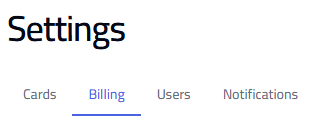
- Go to Settings and select the Billing tab.
- Enable VAT Billing if applicable.
- Enter Billing Name, Address Line 1, Address Line 2 (optional), City, Country, Billing Email, and VAT Number.
- Click Save Billing Info.
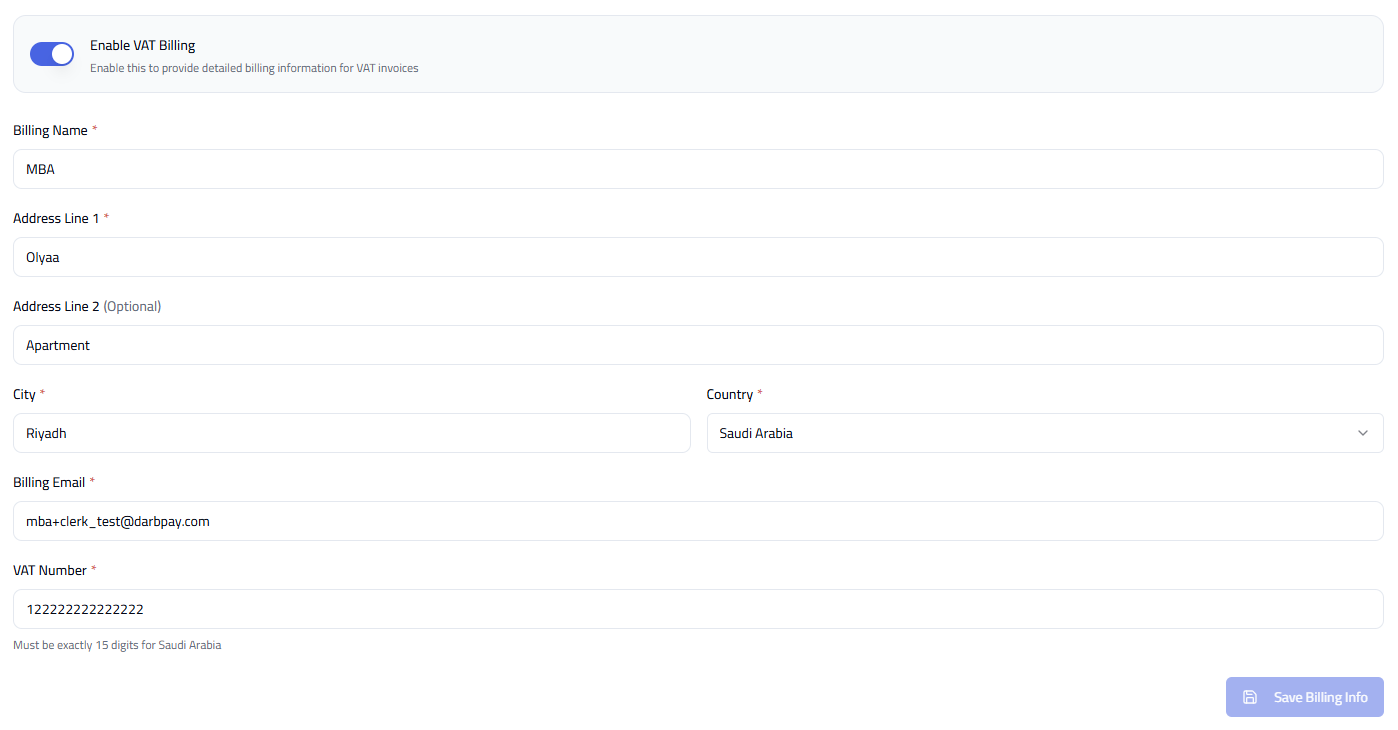
Note: The VAT Number must be exactly 15 digits for Saudi Arabia. Make sure all information is accurate to avoid billing issues.
Tip: Double-check your VAT number before saving. Use an active email to receive billing updates.