 Darb
DarbUser Settings
Manage users and assign roles in Darb.
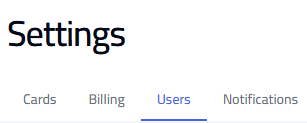
Go to Settings and select the Users tab to add new users, assign roles, and manage existing users.
Add a New User
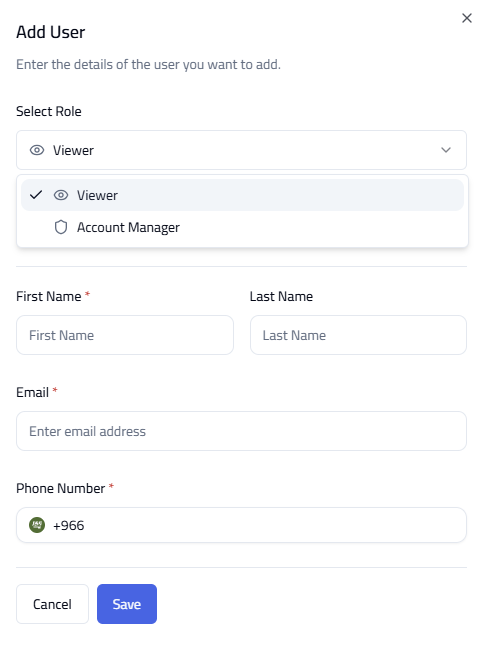
- Click Add User.
- Enter Name, Email, and Phone Number.
- Select the user role.
- Click Save.
Available Roles
- Account Manager — full access to manage the platform, create, edit, and control all configurations.
- Viewer — view-only access. Can monitor data and download reports, but cannot make changes.

Tip: Assign roles based on user responsibilities. Limit full access to trusted users only. Regularly review user access and permissions.