 Darb
DarbNotification Settings
Manage alerts and communication preferences in Darb.
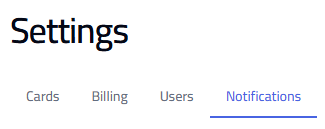
Go to Settings and select the Notifications tab.
Balance Threshold Alerts
Receive alerts when your account balance falls below a set amount. Enter the balance threshold to trigger notifications.

Email & SMS Notifications
Enable email or SMS alerts and add the address/number that should receive them.


Mute Alerts by Type
- Fraud Risk Alerts
- Invalid Odometer Alerts
- High Fuel Consumption Alerts
- Missing Fuel Pump Photo Alerts
- Missing Receipt Alerts
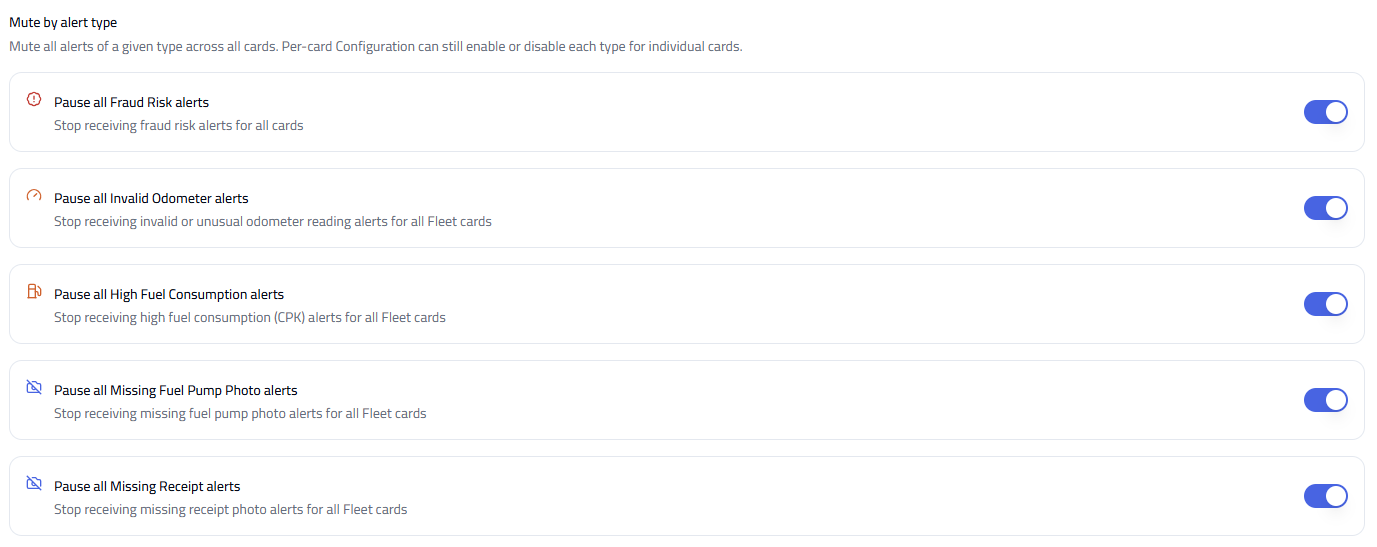
Note: Muting alerts stops notifications for the selected type across all cards. Individual card settings may still apply.