 Darb
DarbCard Settings
Configure general card settings in Darb.
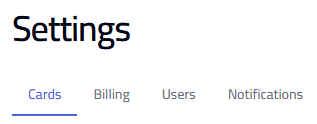
Go to Settings and select the Cards tab to access these options.
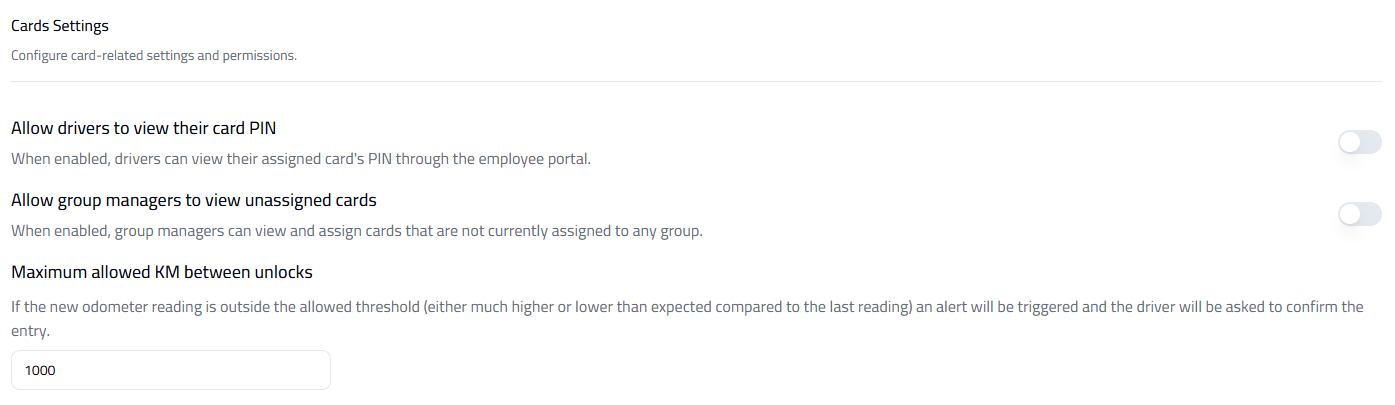
Allow Drivers to View Card PIN
When enabled, drivers can view their assigned card PIN through the app — useful for easier access during transactions.
Allow Group Managers to View Unassigned Cards
When enabled, group managers can view and assign cards that aren't yet linked to any group.
Maximum Allowed KM Between Unlocks
Set a threshold for odometer readings between card uses. If the entered mileage is out of the expected range, an alert is triggered and the driver is asked to confirm the entry.
Tip: Enable PIN visibility only when necessary for security. Use odometer limits to detect unusual or incorrect readings.