 Darb
DarbTeams, with a clear spending lane
Create a wallet for each team.
Give every branch, project or department a clear place to plan spending—while leaders keep the full business picture in view.
Team-wallet design preview · Built around Darb Groups and budgets.
- MMarketingBudget usage 69% 8,340
- RRiyadh BranchBudget usage 54% 21,600
- OOperationsBudget usage 41% 6,980
Make ownership obvious
Budgets that reflect how work actually moves.
Organise Groups around a team, branch or project. Assign a manager, choose a budget cadence and make the spending expectation clear before the first card is used.
Sample settings only. No financial account is created or changed.
An illustrative event budget
Three cards. One shared wallet.
For a Riyadh launch event, the team shares one 10,000 Wallet budget. It is a total for the job—not 10,000 for each person.
No sample payments made. 10,000 remains.
Each illustrated card is linked to this Wallet. Payments draw from the same available funds, subject to configured limits.

Noura · Events lead
Venue deposit
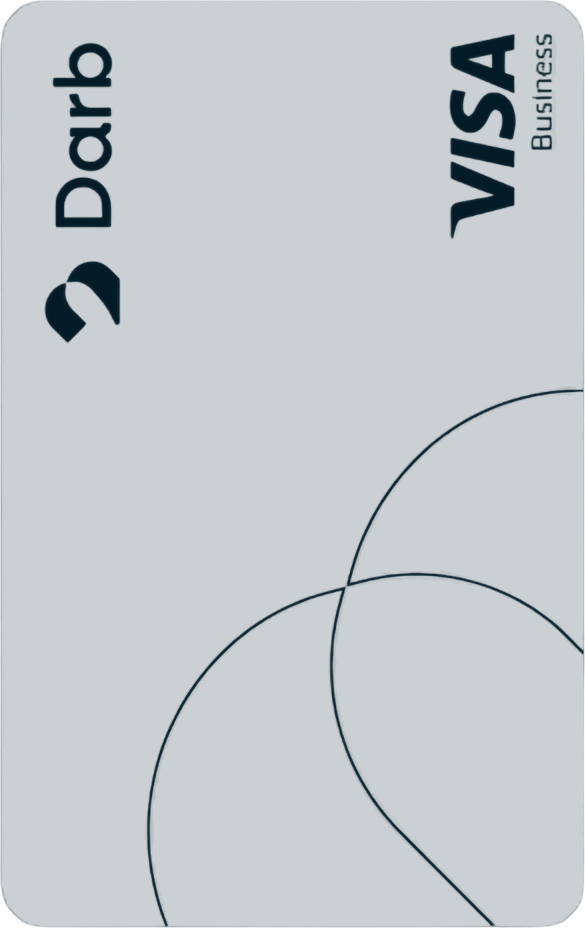
Faisal · Marketing
Print materials
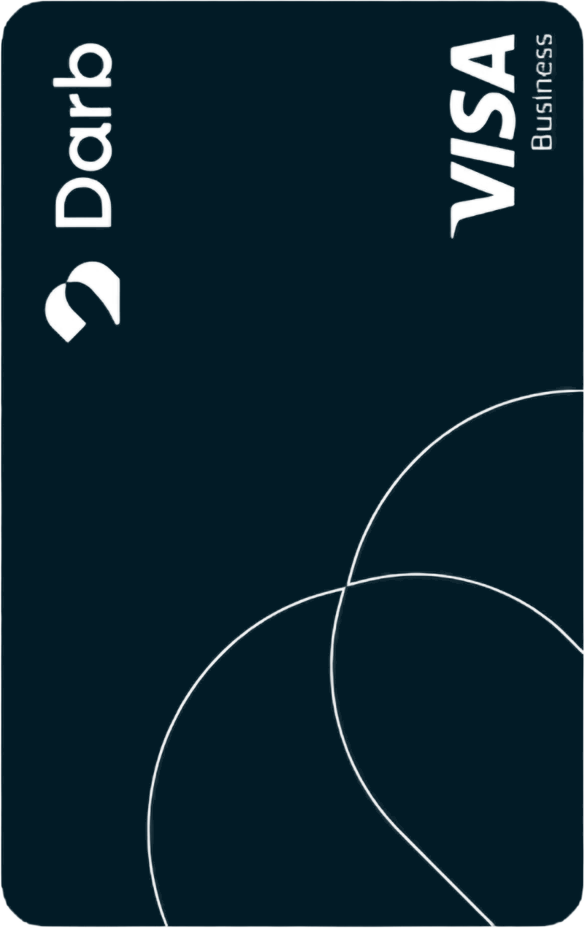
Reem · Operations
Guest transport
The team spends company funds from one Wallet instead of using separate personal balances and reconciling reimbursements later.
Have questions?
Wallet FAQs
Yes. Each teammate can have their own card linked to the same company-funded wallet. Card payments draw from that shared balance, subject to card limits. A 10,000 wallet means 10,000 for the team—not 10,000 per card.
Built for the whole business
Let teams move. Keep the picture clear.
Bring budgets, cards and reporting into a more deliberate way to run business spending.
This page shows a team-wallet design preview for illustration. Darb Groups, budgets, card limits and transaction reports are subject to account configuration and eligibility.